Software / Workflow Automation
Workflow Automation
Analysing processes, connecting systems, and automating the data and decisions that move between them. Concrete implementation rather than "AI transformation" as a slogan — including the part where we tell you a process should be fixed rather than automated.
Why automation projects fail
Almost never because the tool was too hard. Almost always because nobody modelled the process first.
Someone maps the happy path, wires it up, and it works for a fortnight. Then a customer sends a PDF instead of a form. A record arrives with a field the workflow assumed was mandatory. Two systems disagree about which one is authoritative. The automation fails quietly, nobody notices for a week, and the manual process comes back — now with less trust attached to it than before anyone tried.
The engineering that matters is not the connection between two apps. It is knowing where a process actually breaks, what happens to the work in flight when something fails, and who finds out. That is systems thinking, and it is the same discipline as building something that has to keep running when the network drops.
What a working automation looks like
INTAKE
email, form, PDF, supplier file
CLASSIFY AND VALIDATE
the rules that decide what it is
YOUR SYSTEMS
CRM, accounting, documents, sheet
EXCEPTION PATH
retry, queue, and someone is told
the half that decides whether it is still running in a year
Where this usually pays
Email automation
The useful part extracted from an inbox — orders, enquiries, delivery notes — classified, filed, and answered with a draft that a person approves rather than writes.
Document automation
Quotes, invoices, reports and certificates generated from the data that already exists, in your layout, filed where they can be found again.
Task and approval flows
Handovers that currently depend on someone remembering: assignment, reminders, sign-off, and a record of who approved what and when.
Data between systems
The CRM, the accounting tool, the shop, the spreadsheet nobody admits is load-bearing, and the thing a supplier insists on — kept in agreement without a person retyping.
Intake and routing
Enquiries, orders, applications or tickets arriving in several formats and needing to end up in one place, correctly classified, with nothing silently dropped.
Reporting that runs itself
The number someone assembles manually every Monday, produced reliably instead — and defined precisely enough that two people get the same answer.
Internal tools
The small application that replaces a shared spreadsheet with something that can enforce a rule and record who changed what.
Language models, where they earn it
Classification, extraction and drafting inside a workflow that has deterministic checks around it. Useful for messy input; not a substitute for the logic.
On tools
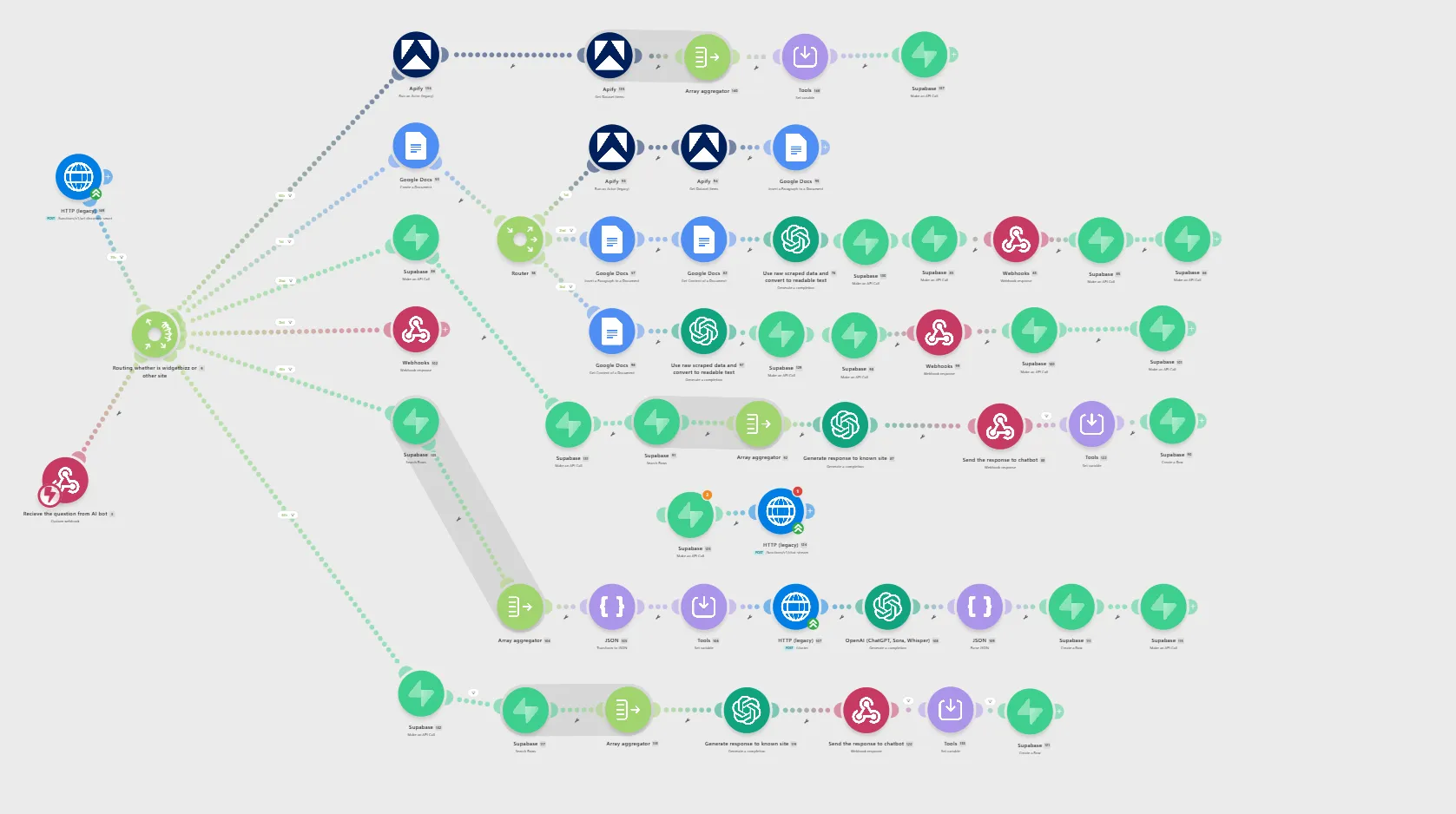
We build on no-code and low-code platforms — Make, n8n, Zapier and similar — and we write custom code. The choice is a question, not an identity.
A platform is usually right when the workflow is genuinely simple, the volume is modest, and the value is in getting it running this week. Custom code earns its cost when the logic is intricate, the volume makes per-operation pricing hurt, the data is sensitive, or the process is close enough to your actual business that owning it matters. Plenty of work is a hybrid: a platform for the plumbing, a small service for the part that is genuinely yours.
The commitment worth making is this: when a no-code tool is the right answer, we will say so, rather than quoting a custom build for something a well-configured scenario handles. That costs us revenue on individual projects and is the only sustainable way to be trusted on the next one.
How it runs
- 01
Watch the process as it really is
Not the documented version. The exceptions, the workarounds, and the person who quietly fixes things are the actual specification.
- 02
Decide what should not be automated
Some steps are judgement calls, some are broken and should be fixed rather than encoded, and some are rare enough that a human is cheaper. Automating a bad process makes it worse faster.
- 03
Build with the failure path first
What happens to work in flight when an API is down, a credential expires, or a record is malformed — and how somebody finds out. This is what separates automation that lasts from automation that gets abandoned.
- 04
Hand over so it can be changed
Documented, in your accounts, with the workflow legible to whoever inherits it. An automation only you can modify is a liability we have handed you.
Related
Something being done by hand every week?
Describe the process, including the parts that go wrong. You get an honest read on what is worth automating, what should be fixed first, and whether a tool you already pay for would do it.
Discuss a project →